
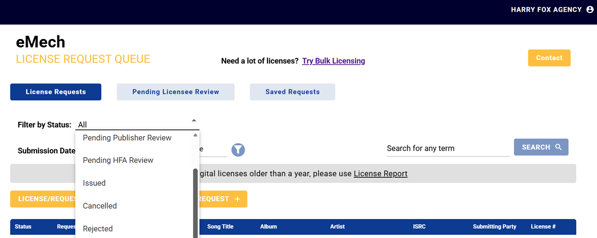
To check the status of your license request(s) in eMechanical, you may use the Filter option on the dashboard to view requests with the specified status.
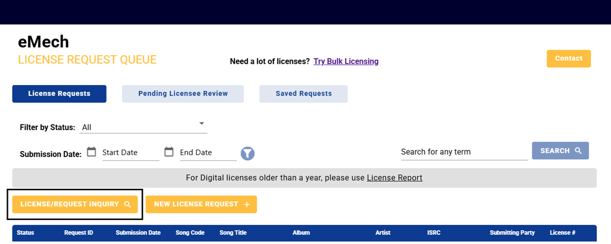
You may also use the License/Request Inquiry option found on the dashboard which will take you to a search screen where you can search for requests by certain criteria.
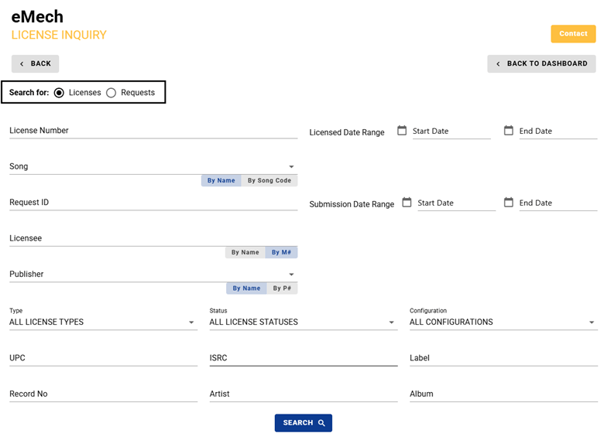
Note: Use the toggle function on the License/Request Inquiry screen to search for either licenses or pending requests. Licensed requests will only appear if the search toggle is set to Licenses. Pending requests will only appear if the search toggle is set to Requests.